
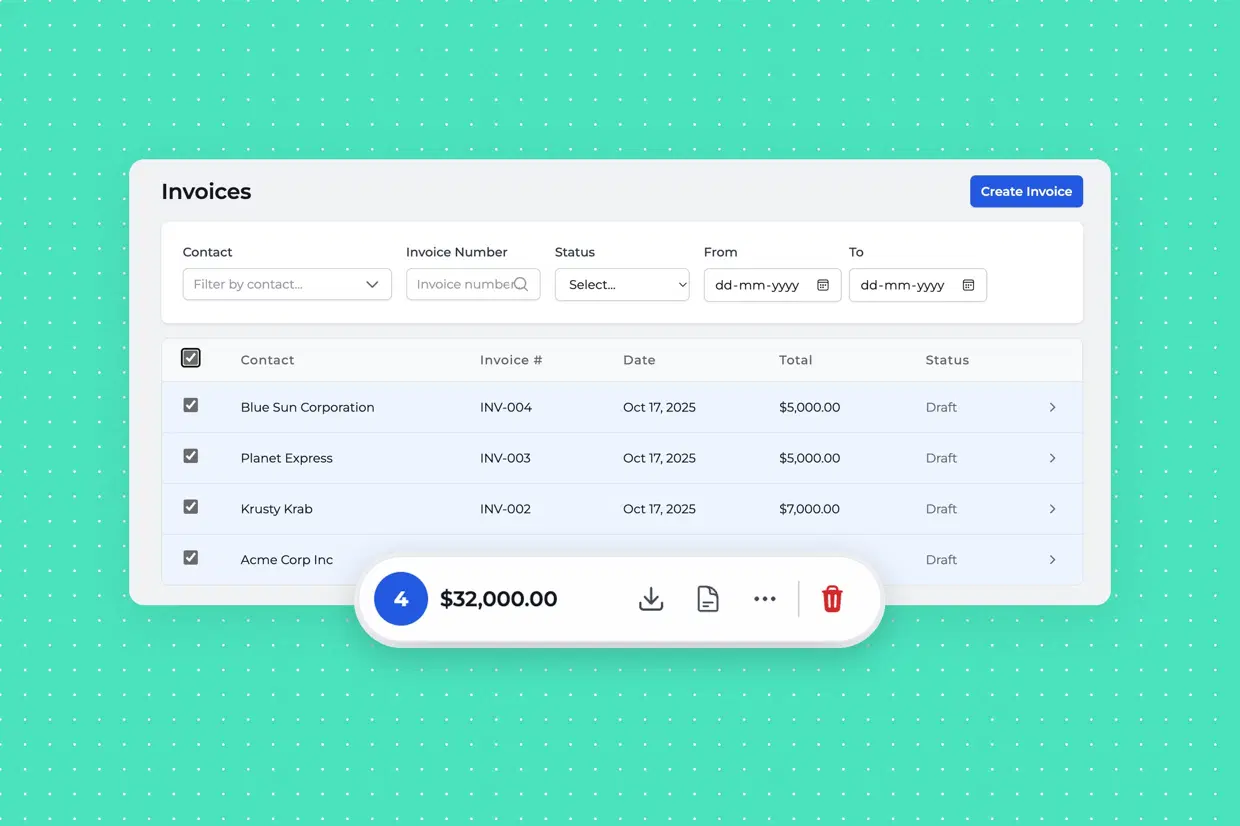
We’ve been busy building, and we’re thrilled to share one of the latest updates to Fastbooks: bulk actions for invoices.
With this new feature, you can now select multiple invoices from your list and perform actions in one go, whether it’s updating statuses, downloading PDFs, or exporting CSVs. No more repetitive clicks or manual downloads.
This update is all about making your workflow faster and smoother, especially if you manage dozens (or hundreds) of invoices at once.
We’re continuously improving Fastbooks to make accounting simpler and smarter for small businesses. Have feedback or feature ideas? We’d love to hear from you. Drop us a note at [email protected].
