
The most tedious part of bookkeeping is getting the bank’s numbers into your books. Log in, find the statement, download a CSV, upload it, repeat next month. Miss a month and reconciliation turns into an afternoon.
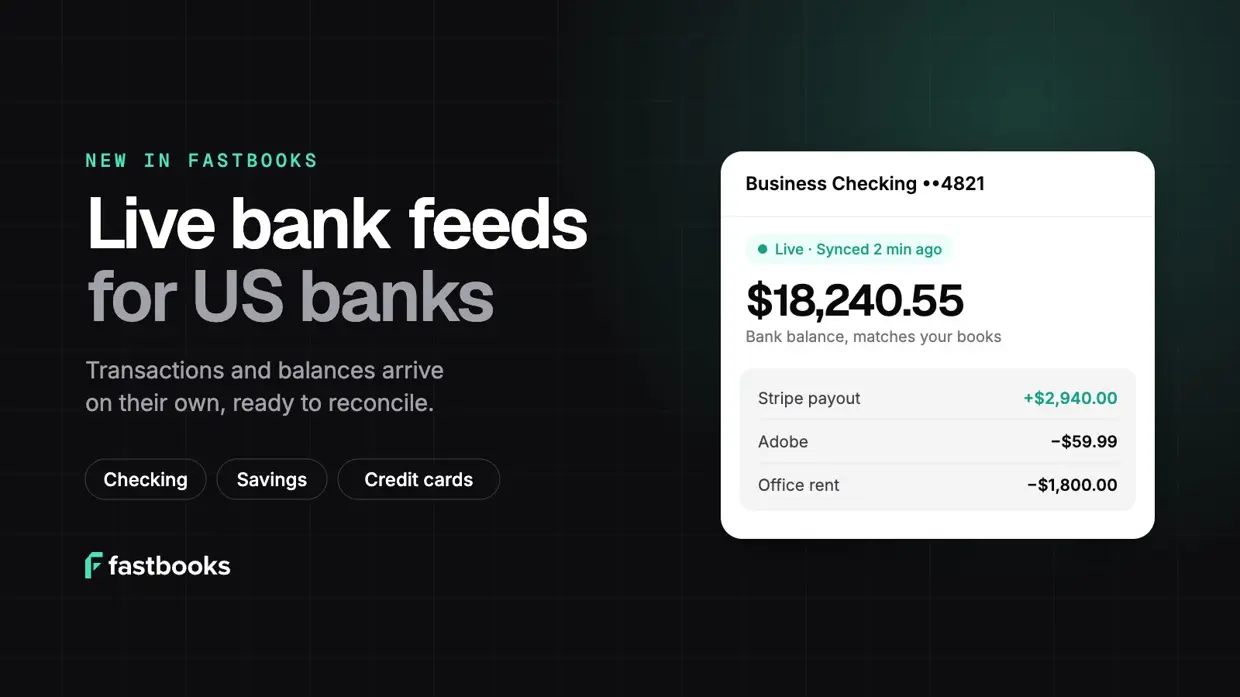
If you bank in the US, you can skip all of that now. On Pro, connect your bank once and Fastbooks brings in your transactions and balances on its own, every day.
Why connect your bank
- No more statement downloads. Transactions arrive about once a day without you doing anything. Need them sooner? Press Sync now.
- Up to six months of history on day one. When you first connect, Fastbooks brings in up to the last 180 days of transactions (how far back depends on your bank), so you can catch up on months you haven’t recorded yet.
- Reconciliation that’s mostly done for you. New bank lines land in Reconcile, where Fastbooks matches them to the invoices and bills they pay. Your bank rules categorise the regular stuff, like rent, software subscriptions and bank fees, so you only look at what’s new.
- Your balance, checked against your books. Fastbooks shows the bank’s balance next to the balance in your books, and flags any gap. If something’s missing or recorded twice, you find out now, not at year end.
- Checking, savings and credit cards. Connect business checking and savings accounts and credit cards, from thousands of US banks and credit unions.
Safe by design
Bank connections run through a trusted, secure bank-linking partner. You sign in to your bank in a secure window from that partner, not in Fastbooks, so we never see or store your bank login. Access is read-only: Fastbooks can read transactions and balances, and can’t move money. You can disconnect at any time.
How to get started
You’ll need to be on Pro (or Growth) and an owner or admin of your organisation.
-
Open your connections. In Fastbooks, go to Settings → Connections. Under Bank feeds, click Connect bank. If you’re on the Free plan, you’ll be asked to upgrade first.
-
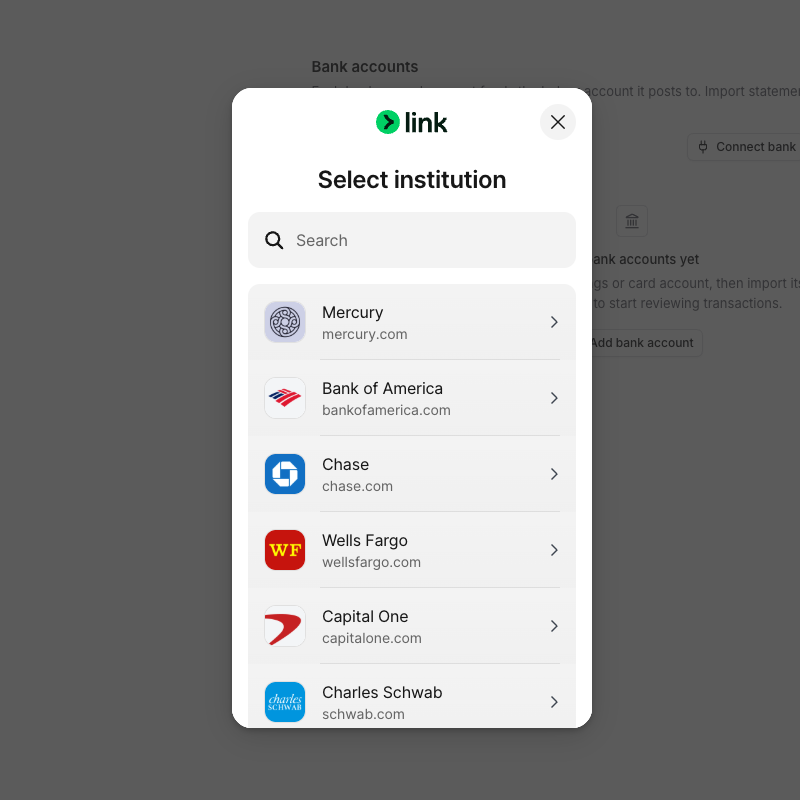
Find your bank. A secure window opens. Search for your bank and sign in the way you normally would.
-
Choose the accounts to share. Pick the checking, savings and credit card accounts you want Fastbooks to see.
-
Tell Fastbooks where each account goes. Back in Fastbooks, choose what each account feeds:
- Feed an existing bank account in your books. If the last four digits match one you already have, Fastbooks suggests it.
- Create a new bank account, if this account isn’t in your books yet.
- Don’t feed this account, if you’d rather leave it out.
-
Let the first sync run. Fastbooks starts bringing in transactions straight away. You can close the window; they keep arriving. Each account shows Live when it’s done.
That’s it. From then on, open Reconcile to work through new bank lines as they come in.
Good to know
- Reconnecting. Banks sometimes ask you to sign in again. When that happens the connection shows Reconnect needed in Settings → Connections. Click Reconnect, sign in, and syncing carries on where it left off.
- Adding another bank. Use Add bank on the same card. Each bank is its own connection.
- Bank feeds are in beta. If something looks wrong, let us know and we’ll look at it quickly.
Not in the US?
Live bank feeds are for US banks only for now. Wherever you bank, you can still upload a statement on any plan: CSV, Excel, OFX, QFX, QBO, CAMT.053, MT940 and PDF all work. Fastbooks reads the file and drops the lines straight into Reconcile, so the rest of the workflow is the same.
Ready to try it? Upgrade to Pro and connect your bank in a couple of minutes.
