
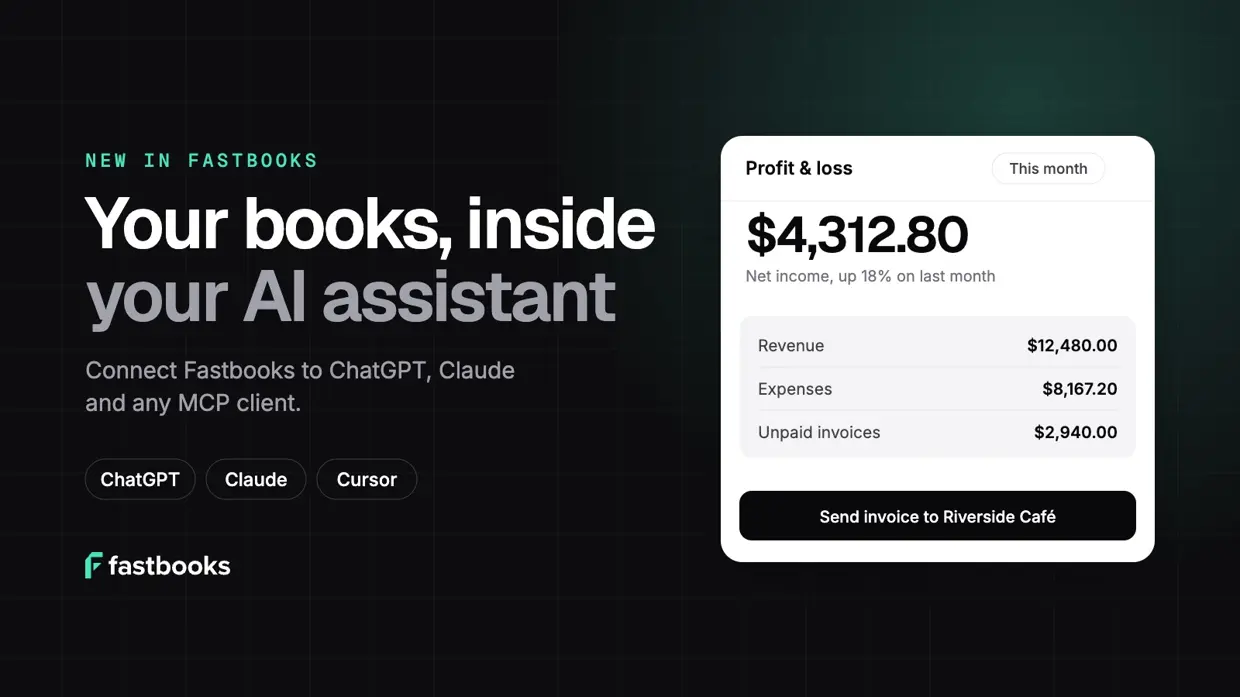
A lot of you already have ChatGPT or Claude open all day. You draft emails in it, plan your week in it, think out loud in it. Then you switch tabs to check who still owes you money.
Not any more. As of today, you can connect Fastbooks to the AI assistant you already use. Ask it how the month is going, have it chase a late invoice, or get it to tidy up last week’s bank lines, and it works from your real books.
What you can do
Once Fastbooks is connected, you can talk to your books the way you’d talk to a bookkeeper:
- “Which invoices are overdue, and who should I chase first?”
- “How did profit this month compare with last month?”
- “What bills are due in the next two weeks?”
- “How much sales tax did we collect in October?”
- “Show me the balance sheet at the end of last quarter.”
It isn’t limited to answering questions. Your assistant can do real bookkeeping work too:
- Invoices, quotes and credit notes: draft them, email them to customers, record payments, and turn an accepted quote into an invoice.
- Bills and expenses: enter and approve supplier bills, record payments, and fix or void ones that went in wrong.
- Bank transactions: categorise lines, match them to the invoices and bills they pay, and draft rules for the payments that repeat.
- Reports: profit and loss, balance sheet, cash flow, tax summary, aged receivables and payables, and customer statements.
- Setup: add customers and suppliers, accounts and tax rates, and check what a new organisation still needs.
So you can say “Invoice Riverside Café for 40 sourdough loaves at $6, due in 30 days”, check the draft, and send it, all without leaving the chat.
How to connect
Every assistant uses the same Fastbooks server address:
https://api.fastbooks.app/mcp
Add it to your assistant as a custom connector (Claude), an app (ChatGPT) or an MCP server (developer tools). Your assistant then opens Fastbooks in your browser. Sign in, or create a free account, choose which organisation to connect, and decide whether it can make changes or only read. That’s it.
We’ve written step-by-step guides for each:
- Connect Fastbooks to ChatGPT
- Connect Fastbooks to Claude
- Claude Code, Cursor, VS Code, Codex, Gemini CLI and other MCP clients
If you’re already a Fastbooks user, the same address is in Settings → Connected apps.
You stay in charge
Letting an AI near your books should make you a little nervous, so we built this carefully:
- You choose the access. The connection covers one organisation, chosen by you, and the assistant acts with your role and permissions. Untick “Make changes” when you connect and it can only read.
- Nothing important happens on the first try. Emailing a customer, approving a bill, recording a payment, voiding a document or matching a bank line takes two steps. First the assistant gets a summary of exactly what will happen (“Email INV-0043 for $259.20 to orders@riverside.example”). The change only happens when it comes back to confirm, and that confirmation works once, for that exact action.
- Some things stay in Fastbooks. An assistant can’t delete anything, connect a bank, change users, billing or settings, run payroll or close a period.
- Everything is on record. Fastbooks’ audit trail shows which app made each change, on your behalf.
- You can cut it off any time. Settings → Connected apps lists every assistant and its access. Disconnect, and access ends on the very next request.
Free on every plan
Connecting an AI assistant is free on every Fastbooks plan, including Free. Every report is available on Free too, and your assistant will tell you if something needs an upgrade. Your AI assistant has its own plans and limits, so check that your plan allows custom connectors or apps.
If you’d rather not set anything up, Ask Fastbooks, the AI built into Fastbooks, comes with Pro and works the moment you sign in.
For developers
Under the hood, this is a remote Model Context Protocol server with OAuth sign-in. There are 65 tools (30 read, 35 write), structured JSON results, and two-step confirmation on the 18 tools that email someone, post to the books or are hard to undo. In clients that support MCP Apps, invoices, reports and receivables open as interactive views. The full details are on the MCP page.
Try it
Create a free Fastbooks account, or bring your books over from QuickBooks Online or Wave, then connect your assistant. It takes about two minutes, and we’d love to hear what you ask it first.
ChatGPT is a trademark of OpenAI. Claude is a trademark of Anthropic. Fastbooks is not affiliated with or endorsed by either.
