
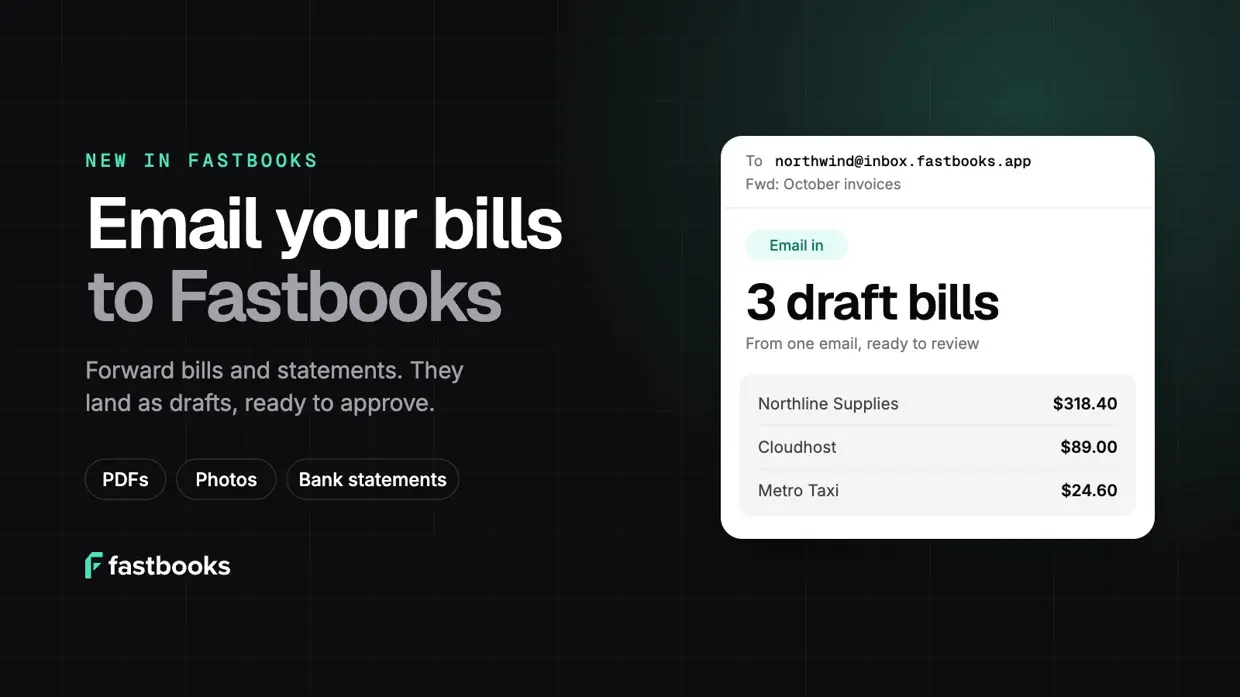
Most of your bills already arrive by email. A supplier sends a PDF, your phone company sends another, and the receipt from lunch with a client is a photo on your phone. Getting them into your books has meant downloading each one, opening Fastbooks and uploading it again.
Now you can skip that step. On the Pro and Growth plans, your organization has its own Fastbooks email address. Send or forward a bill to it and it shows up in your Inbox as a draft bill, already filled in. Bank statements work the same way.
What you can send
- Bills and receipts. PDFs and photos become draft bills. Fastbooks reads the vendor, dates, line items and tax, matches the vendor to your contacts and suggests an account for each line, the same way it does for an upload.
- Several at once. One email can carry several attachments, and each one becomes its own draft. Logos and signatures in the email itself are ignored.
- Bank statements. Send a statement as PDF, CSV, Excel, OFX, CAMT.053 or MT940. It waits in your Inbox until you choose the bank account it belongs to. A PDF statement is recognised as a statement, so it never turns into a bill by mistake.
Each attachment can be up to 15 MB. Anything that isn’t a bill, receipt or statement is ignored.
Nothing posts without you
Emailed bills arrive as drafts. You still check each one against the original, side by side, and approve it before it reaches your books. Duplicate checks run as usual, so a bill that was emailed twice is flagged instead of booked twice.
Only people you trust can send
An address anyone can email would be a way for anyone to put bills in your books. So Fastbooks only accepts mail from:
- Your team. Everyone in your organization can email bills in from the address they sign in with.
- Allowed senders. Owners and admins can add other addresses, like your accountant or a supplier who emails you invoices.
The sender’s domain also has to pass DMARC, the check email providers use to spot forged senders. Mail from anyone else, or mail that fails that check, is dropped. Every email Fastbooks processes is recorded in your audit log.
How to get started
You’ll need to be on Pro or Growth. If you’re on Free, Settings → Email in shows an Upgrade to Pro button.
- Copy your address. In Fastbooks, go to Settings → Email in and click Copy. It looks like
yourbusiness@inbox.fastbooks.app. - Allow other senders (optional). Under Who can send, owners and admins can add an accountant’s or supplier’s email address and click Allow. Your team can send already.
- Forward a bill. Forward a supplier email with the bill attached, or email a photo of a receipt from your phone. Save the address as a contact so it’s always to hand.
- Review it in your Inbox. The bill appears as a draft shortly after you send it. Check it, fix anything, and approve it.
- Import emailed statements. A statement shows up in your Inbox as Bank statement by email. Open it, choose the bank account it belongs to and click Continue. You review the lines just like an uploaded file, and they land in Reconcile. If you don’t need it, mark it resolved instead.
Tip: forward bills automatically
Set a forwarding rule in Gmail, Outlook or your email app that sends invoices from your regular suppliers straight to your Fastbooks address. From then on those bills turn up as drafts on their own, and all you do is approve them.
Prefer to upload? That still works, as does importing bills from a Google Drive folder. Email in is one more way to get bills into Fastbooks without the typing. See how email in works, or upgrade to Pro and forward your first bill today.
